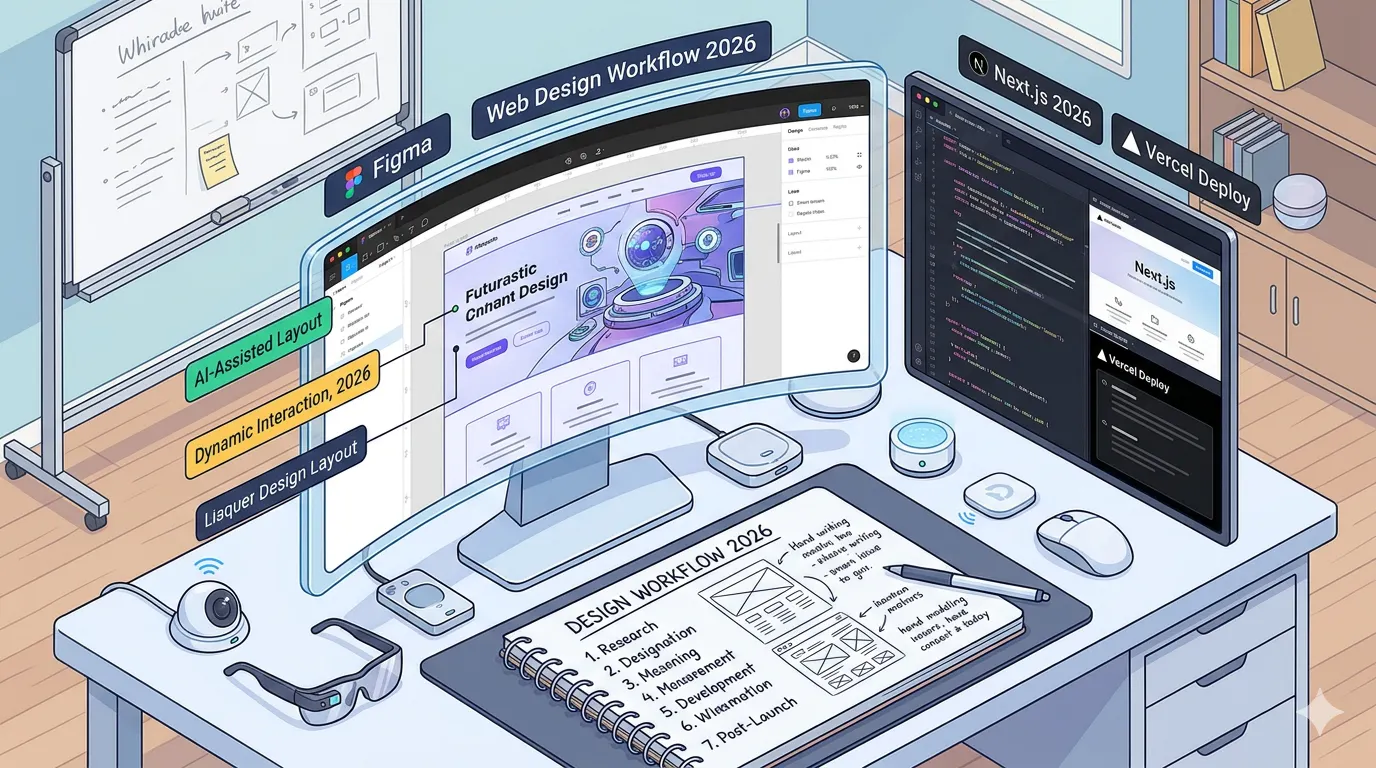
Last Tuesday I was sitting in my kitchen at 6:47am with cold coffee, staring at a Figma file a client had approved three weeks earlier. The radiator was ticking. I had that sinking feeling you get when you realise the web design workflow 2026 demands is nothing like the one I was still clinging to from 2022. My old process, discovery, wireframes, mockups, handoff, dev, launch, had quietly stopped working somewhere around the second AI tool I added to my stack. I just hadn't admitted it yet.
I'm a freelance developer in my 40s, two kids, based just outside Prague, and I've built probably 60 or 70 sites over the last decade. What follows is the actual web design workflow 2026 version I run now, not a theoretical one. It has gaps. I'll be honest about them.
Table of Contents
- Where My Old Process Broke
- The Web Design Process Steps I Now Follow
- Website Planning And Design Before Anyone Opens Figma
- The Modern Web Design Tools That Earned Their Spot
- From Design To Code Without The Usual Pain
- My Website Launch Checklist
- FAQ
Where My Old Process Broke
Here's the thing nobody told me. The moment you start using AI-assisted tools for even one phase of a build, the rest of your pipeline gets weird. If I generate a logo in twenty minutes using something like the Canva AI logo generator, I can't then spend three weeks on brand discovery. The economics don't match. The client doesn't understand why the rest is slow.
So I had to rebuild the whole website build workflow, not just swap tools in and out.
I also kept hitting the same problem: designers would hand me files that looked great in Figma and collapsed on a 360px screen. Responsive design was treated as an afterthought, a checkbox at the end. That had to change.
The Web Design Process Steps I Now Follow
I group everything into five phases now. Not six. Not four. Five, because that matches how I actually bill.
- Discovery and scoping (1 week)
- Planning and UX wireframing (1 to 2 weeks)
- Visual design and component work (2 to 3 weeks)
- Design to code workflow (2 to 4 weeks)
- Launch and post-launch monitoring (ongoing)
Each phase has a gate. If the client hasn't signed off, I don't start the next one. I learned this the expensive way after building an entire checkout flow from an unapproved mockup in 2023.
The web design process steps above look boring written down. The interesting part is what happens inside each one.
Website Planning And Design Before Anyone Opens Figma
This is the part most people skip and then regret. Website planning and design should happen in a text document, not a design tool. I use a single Notion page per project with these sections:
- Business goals (max 3, numbered)
- Primary user and what they're trying to do
- Content inventory (every page, every block)
- Technical constraints (CMS, hosting, integrations)
- Success metrics (what we're measuring 90 days after launch)
If I can't fill in the content inventory, the project isn't ready. Full stop. I used to push past this and figure it out later. Later never comes. You end up with lorem ipsum in production.
UX wireframing happens in Figma but stays low-fidelity for longer than feels comfortable. Grey boxes, real text, no colour. I show these to the client on a Zoom call and watch their face. If they squint, the information architecture is wrong. If they nod too quickly, they haven't read it.
The Modern Web Design Tools That Earned Their Spot
I'm picky about tools now. Every new app in the stack is a tax on my attention. Here's what survived in my modern web design tools list for 2026:
- Figma for design and wireframing. Still dominant, still annoying in places.
- Penpot as a backup because I don't love being locked in.
- Framer when a client wants to self-edit a marketing site.
- Cursor and Claude Code for the design to code workflow.
- Astro or Next.js depending on the project. Astro for content sites, Next for app-like things.
- Tailwind CSS v4 with a custom design token setup.
- Storybook for component libraries so the design handoff doesn't die in a PDF.
I dropped Webflow last year for most client work. The export is still awkward and I'd rather own the code. That's a personal call though, not a universal one.
A note on component libraries: I keep a private one now, forked from shadcn/ui, with about 40 components I've tuned to my defaults. Starting a new project means importing my library, not rebuilding buttons for the 200th time. This alone saved me maybe three weeks last year.
From Design To Code Without The Usual Pain
The design to code workflow used to be where projects went to die. Designer sends file, developer opens it, developer swears, two weeks of "can you check the spacing" Slack messages.
Here's what I do differently now:
Design tokens first, components second
Before any visual design starts, I set up design tokens in Figma variables and mirror them in a tokens.json file. Colours, spacing, typography, radii. Same names in both places.
{
  "color": {
    "surface": { "base": "#0b0b0f", "raised": "#141419" },
    "text": { "primary": "#f4f4f5", "muted": "#a1a1aa" }
  },
  "spacing": { "xs": "4px", "sm": "8px", "md": "16px", "lg": "24px" }
}
When the designer changes color.surface.base, I run a script and Tailwind picks it up. No Slack message required.
Design handoff is a conversation, not a file drop
I block 90 minutes with the designer and we walk through every page together on a shared screen. I ask dumb questions. "What happens to this card at 340px wide?" "What if this list has one item?" "What if it has 47?" Half the answers are "oh, I didn't think about that." Good. Better to find out now.
Responsive design is designed, not developed
We design three breakpoints in Figma: 360px, 768px, 1280px. Not one. Responsive design stops being my problem to solve alone and becomes a shared decision.
Web Development Workflow Tips That Saved Me Hours
A few web development workflow tips I've picked up that I wish someone had told me earlier:
- Commit the design file reference in your PR description. Link the exact Figma frame. Future-you will thank present-you.
- Run Lighthouse on every deploy preview, not just production. Performance optimization is cheaper when you catch a 3MB hero image in the PR.
- Write Playwright tests for the three most important user flows before launch. Not all of them. Three.
- Keep a decisions.md file in the repo. Every time you pick option A over option B, write down why. You will forget.
- Use feature flags even on small sites. Launching behind a flag and flipping it at 9am Monday is calmer than a Friday-night deploy.
On performance optimization specifically: I now aim for a Lighthouse performance score of 95+ on mobile, measured on a simulated Moto G4. Not desktop. Desktop scores lie. Images are the biggest win, still. Next-gen formats (AVIF first, WebP fallback), proper sizes attributes, and lazy loading everything below the fold.
My Website Launch Checklist
Here's the actual website launch checklist I run through the day before every go-live. I keep it in a Notion template and copy it for each project.
- [ ] All content proofread by someone who isn't me
- [ ] 404 and 500 pages exist and are on-brand
- [ ] Favicon and OG images on every route
- [ ] Meta titles and descriptions unique per page
- [ ] Structured data validated via Schema.org validator
- [ ] Sitemap.xml and robots.txt live
- [ ] Analytics installed and a test event fired
- [ ] Lighthouse mobile score above 90 on key pages
- [ ] Forms tested end to end, including the thank-you email
- [ ] SSL certificate valid, HTTPS redirect working
- [ ] DNS TTL lowered 24 hours before cutover
- [ ] Rollback plan written down, not just "in my head"
- [ ] Client has access to everything in their name, not mine
That last one matters more than people realise. I used to register domains in my own account "just to get started." Nightmare to transfer later.
A Quick Honest Word
Is this the perfect web design workflow 2026 has to offer? No. It works for me, a solo developer with a small handful of retainer clients. If you're in a 12-person agency, your website build workflow will need more formality, more approvals, more project management overhead. If you're building a weekend side project, most of this is overkill.
Take the parts that sting when you read them. Those are the ones you probably need.
Frequently Asked Questions
Q: How long should a typical website project take in 2026? A: For a 10 to 15 page marketing site with a CMS, I quote 8 to 10 weeks end to end. AI tools have sped up the middle (design, boilerplate code) but discovery and QA still take the same amount of time. Honestly, anyone promising you 2 weeks is either skipping something or burning themselves out.
Q: Do I really need wireframes if I'm using AI to generate designs? A: Yes. AI-generated designs without wireframes give you pretty pages with no information hierarchy. UX wireframing is about decisions, not decoration. The AI can't make those decisions for you because it doesn't know your users.
Q: What's the biggest mistake you see in most website build workflow setups? A: Treating design and development as separate steps instead of overlapping ones. The design handoff should start happening in week two, not week six. Developers catching problems early saves weeks.
Q: Is Figma still worth learning in 2026? A: Yes, reluctantly. I've tried the alternatives and Figma is still where most clients and collaborators live. But I'd keep an eye on Penpot.
Q: How do you handle clients who want to change things after launch? A: I budget for it. Every project has a two-week post-launch window baked into the quote for revisions. After that, they go on my hourly rate. It's not complicated, it just needs to be written down before you start.
Conclusion
The web design workflow 2026 I've described isn't radical. It's a collection of small decisions I made after each one of them hurt me on a real project. The discipline isn't in the tools. It's in gating each phase properly, writing things down, and having the uncomfortable conversations early instead of late.
What's the one part of your current workflow you keep meaning to fix? Is there a phase where things consistently go wrong? And honestly, when was the last time you updated your own launch checklist?
Get CodeTips in your inbox
Free subscription for coding tutorials, best practices, and updates.
More from CodeTips
Website Wireframes Explained: How to Plan Any Site Before You Design It
Most designers skip wireframing and go straight to picking fonts. That decision alone is responsible for more redesigns, wasted client meetings, and scrapped layouts than almost anything else in the web design process. Website wireframes exist precisely to stop that from happening.

10 UX Design Patterns Every Developer Should Know (And When to Skip Them)
Most developers first encounter design patterns the same way: they google a problem, find an intimidating class diagram on Refactoring.Guru, and either copy it wholesale or close the tab forever. Neither is the right move. UX Design Patterns and their software engineering counterparts are worth understanding on your own terms, because knowing when not to use them is just as valuable as knowing what they do.
What is UI Design? The Honest Beginner's Guide to How It Works
Most people who use apps and websites every day have no idea how much thought goes into a single button. The color, the size, the spacing, the way it responds when you tap it that is UI design. Understanding what is UI design and how does it work is the first step toward either appreciating the craft or building a career in it.