What is UI Design? The Honest Beginner's Guide to How It Works

Most people who use apps and websites every day have no idea how much thought goes into a single button. The color, the size, the spacing, the way it responds when you tap it that is UI design. Understanding what is UI design and how does it work is the first step toward either appreciating the craft or building a career in it.
Table of Contents
- The Core Idea: What Is UI Design?
- UI vs. UX: The Distinction That Trips Everyone Up
- What a UI Designer Actually Does Day to Day
- How the Design Process Works in Practice
- Real Examples: Good Interfaces and Bad Ones
- Building a Career in UI Design
- How to Learn UI Design: Courses vs. Self-Study
- Frequently Asked Questions
The Core Idea: What Is UI Design?
UI design is the practice of crafting the visual elements of a digital product that users actually touch, tap, and click. Every screen you interact with on your phone or computer was designed by someone. They chose the typography, picked the color palette, arranged the layouts, drew the icons, and decided how everything fits together.
The "UI" stands for user interface, and interfaces come in several forms. A graphical user interface (GUI) is the most familiar — it is the screen-based visual layer on your operating system, your apps, your browser. But there are also voice interfaces, gesture-based interfaces, and even hardware control panels. When most people say "UI design," they mean the visual, screen-based kind.
The job is not purely aesthetic. A beautiful interface that confuses users has failed. The goal is to create something that looks good and behaves predictably. Visual hierarchy, the principle of guiding a user's eye toward what matters most, is one of the core tools for doing that. If someone lands on a page and cannot figure out where to click first, the visual hierarchy is broken — regardless of how polished the colors look.
UI vs. UX: The Distinction That Trips Everyone Up
People mix these up constantly, including some job postings. Here is the clearest way to think about the difference between UI and UX with an example: imagine you are ordering food at a restaurant. The UX is the whole experience — the wait time, the menu clarity, whether your order came out right. The UI is what the menu looks like. Both matter. They affect each other. But they are different jobs.
UX (user experience) design deals with the overall user journey: what path does a person take to complete a task, where do they get confused, what do they need at each stage. It involves information architecture (how content is organized and labeled), user research, and interaction design (how the product responds to what users do).
UI design sits on top of that foundation. Once a UX designer has mapped out the flow and structure, the UI designer makes it visually coherent and appealing. Typography choices, spacing, color contrast, component states — that is the UI layer.
Some designers do both, which is why "UI/UX designer" is a common job title. But the skills are distinct, and larger teams usually separate the two roles.
What a UI Designer Actually Does Day to Day
A common question worth addressing directly: what does a UI designer do every day?
The honest answer is that it varies a lot by team size and stage of product. At a startup, one designer might handle everything from early sketches to final pixel-perfect specs. At a larger company, the work is more specialized. But broadly, here is what the day-to-day looks like.
Visual design work. Most of the time is spent in a design tool — Figma is the dominant one right now, though Adobe XD and Sketch are still used on some teams. You are building components, refining layouts, adjusting spacing, choosing typefaces, and making sure everything looks consistent.
Maintaining a design system. Most mature products have a design system: a documented set of reusable components, color tokens, spacing rules, and design principles that keep the product consistent. Keeping that system up to date is ongoing work. The component library inside that system is what lets teams ship new features without reinventing the button every time.
Collaborating with developers and UX designers. UI designers spend real time in meetings, Slack threads, and review sessions. They hand off specs to developers, answer questions about edge cases, and push back when an implementation drifts from the design. Tools like InVision were built partly to close this handoff gap.
Reviewing and iterating. Designs rarely ship unchanged. Feedback comes from stakeholders, developers, and sometimes usability testing sessions where real users try the product. Iteration is not a sign that the first version was bad — it is just how the process works.
The roles and responsibilities of a UI designer also touch accessibility. Making sure color contrast ratios meet WCAG standards, that font sizes are readable, that interactive elements are reachable by keyboard — accessibility in design is part of the job, not a bonus feature.
How the Design Process Works in Practice
The UI design process does not start with colors and fonts. It starts with understanding.
Before any visual work begins, a designer (or the team) researches the target users, reviews any existing product, and gathers requirements. User-centered design is not a buzzword; it is a practical constraint. If you do not know who is using the product, you cannot make good decisions about type size, information density, or navigation patterns.
From research, the work moves into wireframes. These are low-fidelity sketches, digital or on paper, that map out structure without any visual polish. The point is to sort out information architecture and user flow before investing time in visual design.
Then come prototypes — interactive mockups that simulate how the product will work. Prototypes let teams test the design thinking behind a product before any code is written. This is also when usability testing tends to happen. Watching five real users try to complete a task in a prototype will surface problems faster than any internal review.
Only after that foundation is solid does the UI designer focus on visual execution: color, typography, icons, spacing, animation, and all the details that turn a wireframe into something that feels finished.
That sequence matters. Skipping straight to visual design before the structure is right is one of the most common reasons products end up needing expensive redesigns later.
Real Examples: Good Interfaces and Bad Ones
UI/UX design examples are everywhere, and the contrast between good and bad is sharper than most people expect.
Google's search results page is a classic example of strong UI. Almost no visual noise. The hierarchy is clear: query at the top, results below, ads visually separated. You never wonder what to do next.
Bad user interface design examples are also easy to find. The classic Microsoft Word ribbon (pre-2019) crammed hundreds of functions into a toolbar that required training to understand. Early e-commerce checkout flows that buried the "continue" button or forced account creation before purchase had measurable abandonment rates as a direct result. Dark patterns — interfaces deliberately designed to confuse users into unwanted actions — are also a form of bad UI design, one that is increasingly drawing regulatory attention.
Material Design, Google's open design system, is a useful reference for what principled UI looks like. It documents how to handle elevation, color, motion, and typography in a consistent, accessible way. Worth reading even if you never build with it.
Building a Career in UI Design
The career case for UI design is real, though it is worth being honest about what the market actually looks like.
Demand is genuine. Companies that used to rely on engineers to handle visual decisions have learned that the product suffers for it. Dedicated UI designers are now expected on any product team of meaningful size.
Pay reflects that demand. A UI/UX designer salary in the US typically falls between $70,000 and $120,000 depending on experience, location, and whether the role is more senior or more specialized. Senior product designers at larger tech companies can earn considerably more. Entry-level roles are tighter, and competition is real.
The scope of UI design career opportunities has also widened because of AI. AI-driven development tools have made it easier for non-developers to build apps and websites, which means more products that need thoughtful visual design. That is not a threat to designers — it is more clients, more products, more demand.
The field also connects to broader digital product design: mobile apps, web apps, desktop software, kiosks, in-car displays. Every screen is a potential surface for a UI designer.
How to Learn UI Design: Courses vs. Self-Study
There is a lot of free material available. YouTube channels, articles, and open-source design resources can take someone surprisingly far. For someone who just wants to understand the basics or build a small personal project, self-directed learning works fine.
But if you are trying to break into the industry professionally, the honest advice is: get a credential that signals you know what you are doing. Portfolios matter more than degrees in this field, but a structured program teaches you the vocabulary, the process, and the professional habits that are hard to pick up from scattered tutorials.
A good UI design course online should cover typography, color theory, wireframing, prototyping, design systems, accessibility, and at least one industry-standard tool (Figma, most likely). The Interaction Design Foundation offers solid foundational courses at low cost. Coursera has programs from recognized universities. The UX Design Institute offers a professional certification that covers UI design comprehensively, including typography, iconography, design principles, and tools — worth considering if you want something structured and recognized by employers.
Whatever path you take, build a portfolio while you learn. Redesign an app you find frustrating. Create a fictional product from scratch. The portfolio is what gets you hired, and you need it before you need the certificate.
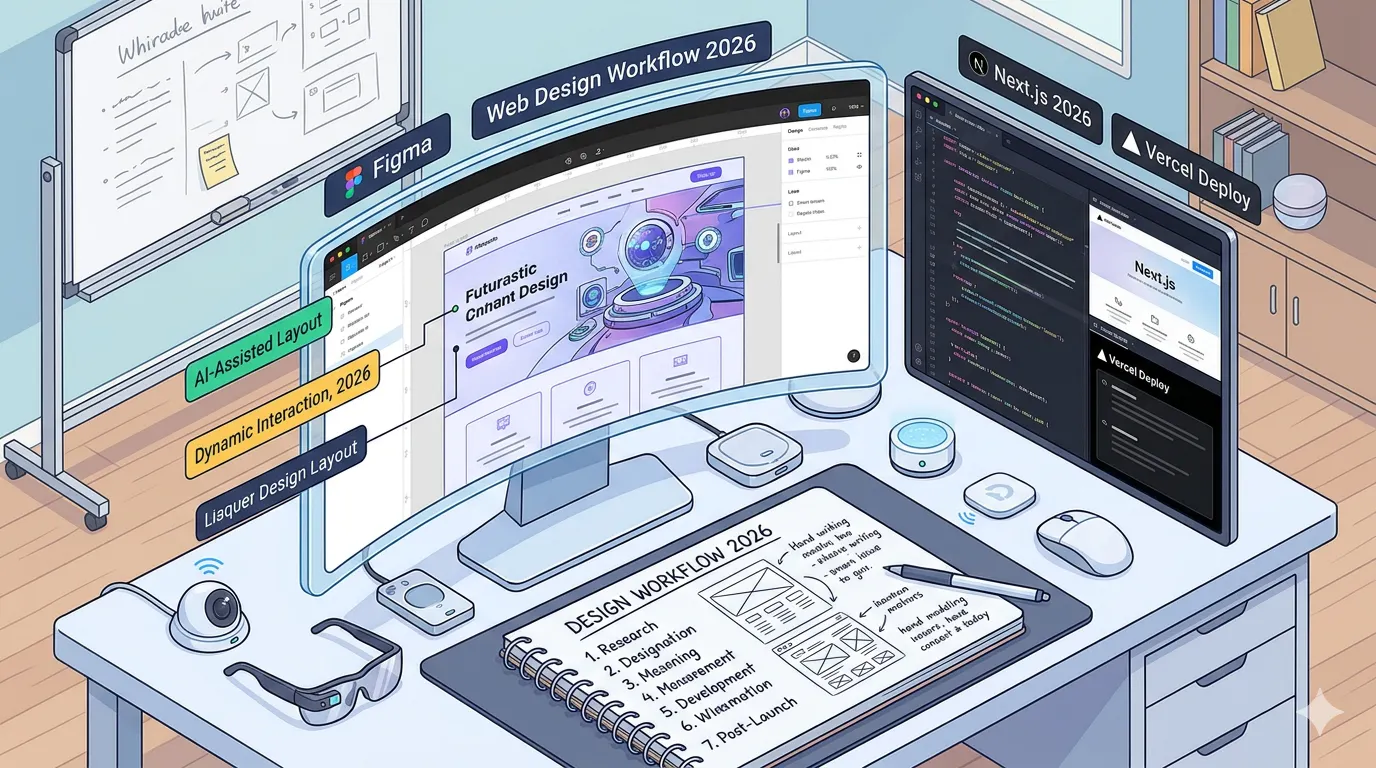
👉 Also read: Complete Web Design Workflow for 2026
Frequently Asked Questions
What is UI design and how does it work?
UI design is the process of creating the visual layer of a digital product — the screens, buttons, typography, icons, and layouts that users interact with. It works by translating a product's structure and functionality (usually defined by UX design) into a visually coherent, accessible, and appealing interface. Designers use tools like Figma to build and iterate on these visuals before handing them to developers.
What is UI/UX, and are they the same thing?
Not exactly. UI covers the visual side of a product: how it looks. UX covers the experience side: how it works, how it flows, and how it feels to use over time. They overlap significantly, and many designers work across both. But treating them as identical leads to products where everything looks polished but the flow is confusing — or vice versa.
How long does it take to learn UI design?
Honestly, you can pick up the basics in a few weeks. Getting good enough to land a junior role typically takes 6 to 12 months of focused practice, especially if you are building a portfolio alongside studying. It depends on how many hours you put in and whether you get real feedback on your work.
Are there any free resources for learning UI design?
Yes. The Interaction Design Foundation has a free tier. YouTube has solid foundational content. Figma itself has a free plan that is fully functional for learning. The trap is spending too long in tutorial mode without building anything. At some point, the most valuable thing you can do is design something, share it, and get it criticized.
What separates a good UI from a bad one?
A good UI gets out of the way. Users can complete their task without thinking about the interface. A bad UI creates friction: confusing labels, inconsistent patterns, poor contrast, no clear hierarchy. If you have ever rage-quit an app because you could not find the settings menu, you have experienced bad UI firsthand. The gap between those two outcomes is, in almost every case, a design decision someone made or skipped.
The best way to understand UI design is to start noticing it. Every app you use made hundreds of visual decisions. Some of them were careful. Some were rushed. Once you can see the difference, the field starts making a lot more sense — and the work starts feeling worth doing.
For a deeper look at how UI fits into the full design and development workflow, the Nielsen Norman Group has some of the most rigorous writing on the subject available online.
Get CodeTips in your inbox
Free subscription for coding tutorials, best practices, and updates.