I Built a Habit Tracker iOS App in One Week With Zero iOS Experience: Here's What I Learned

Xcode rejected my mental model about four times before I stopped fighting it. Coming from years of full stack web work, I expected iOS App Development to feel like learning a new framework. It doesn't. It feels like learning a different trade.
The app I built was a habit tracker. Nothing groundbreaking: you log a small daily habit, add a voice note about how it went, and the app keeps a streak count. I gave myself one week with zero prior iOS experience. What followed was a mix of genuine surprises and a few things that still annoy me.
Table of Contents
- Swift Is More Opinionated Than You Expect
- Xcode Is Actually a Good IDE
- The Pain Points No Tutorial Warns You About
- iOS App Development and the App Store Tax on Your Time
- Extract Your Logic Into the Backend Early
- Should You Go Native or Cross-Platform?
- Frequently Asked Questions
Swift Is More Opinionated Than You Expect
Swift is not just "a different syntax." The whole language is shaped by a set of strong opinions about how code should be written, and Apple is not subtle about it.
The first thing that surprised me was how much the language pushes you toward safe, predictable patterns. Guard statements are a good example. In JavaScript I'd often have a chain of nested if blocks checking for null values. In Swift, the guard statement inverts that pattern: you define the exit condition up front and continue cleanly if everything checks out.
func processHabitEntry(_ entry: HabitEntry?) {
    guard let entry = entry else {
        print("No entry provided")
        return
    }
    // work with entry safely from here
    print("Processing: \(entry.title)")
}
That one pattern cleaned up a surprising amount of my code. The if let syntax works similarly. Once you get used to it, you genuinely miss it when you switch back to JavaScript.
The opinionated design does mean the language has a learning curve that isn't about complexity so much as philosophy. You are not just picking up new syntax. You are adopting a way of thinking about safety and control flow. If you're coming from a loosely typed background, budget extra time for this.
👉 Also read: Flutter Developer Roadmap: What to Learn and When
Xcode Is Actually a Good IDE
I have been using VS Code for years. It is a great text editor. What it is not is an integrated development environment in the full sense of the term.
Using Xcode reminded me what I was missing. The debug tools are genuinely good: memory graphs, real-time view hierarchy inspection, and a simulator that runs your build locally so you can test without a physical device on hand. The gap between writing code and seeing it behave on a simulated iPhone is small.
The feature I used constantly was SwiftUI previews. You build a UI component and Xcode renders a live preview of it in a side panel without needing to compile and run the full app. If you have ever worked in a frontend framework and wished you could see a single component in isolation without spinning up the whole app, this is that. The experience is smoother than I expected for the iOS app development software that Apple bundles for free.
Setting up your developer environment takes a bit of time. Xcode itself is a large download, and your first project build can take a few minutes while things compile. But after that initial setup, the day-to-day workflow is faster than I expected.

The Pain Points No Tutorial Warns You About
No Hot Reload
Every iOS App Development tutorial for beginners shows you how to build something. Few of them mention that every time you make a UI change, you are rebuilding the application from scratch.
Coming from React, this hit hard. In React or Vue you save a file, the browser updates in milliseconds. In Xcode, even a small layout tweak means waiting for the build to complete. It is usually a few seconds, not minutes, but it adds up across a full day of work. SwiftUI previews help with isolated component work, but they don't fully replace hot reload for testing actual app behaviour. This is a real friction point, especially early on.
Styling Without CSS
There is no CSS here. None.
Positioning, padding, spacing, and color all go through Swift-native modifiers. The mental model shift is manageable, but the specific naming conventions are not always intuitive. Padding in CSS uses top, right, bottom, left. In SwiftUI, horizontal padding is called "leading" and "trailing." That naming comes from internationalization reasons (text direction), but it genuinely took me a few days to stop reaching for "left" and "right" and finding nothing.
Web developers coming in with strong CSS intuitions will need to rebuild those reflexes from scratch.
👉 Also read: Why Flutter Web's Blurry Images Are a UX Problem Worth Fixing
iOS App Development and the App Store Tax on Your Time
This is the one I was not prepared for. Not technically, just operationally.
When you ship a web app, you deploy it. That's it. If there's a bug, you fix it and deploy again in minutes. The app distribution process for iOS does not work that way.
Every release goes through App Store review. Most of the time Apple approves submissions within 24 hours. But "most of the time" is doing a lot of work in that sentence. I had a minor bug fix sit in review for 36 hours. A critical crash fix waited 48 hours before it went live. For a web developer used to pushing fixes instantly, that wait is genuinely painful.
The app store review process has gotten faster over the years, and Apple does have an expedited review option for genuine emergencies. But the underlying reality doesn't change: you do not control your own release timeline. For the habit tracker, this meant keeping a close eye on beta builds through TestFlight before any public release, because the cost of a post-release bug is measured in hours, not seconds.
Joining the Apple Developer Program costs $99 per year, which is worth knowing before you start building.
Extract Your Logic Into the Backend Early
This was the most practically useful thing I learned, and I wish someone had told me on day one.
The App Store approval process is slow. That fact should drive your architecture decisions from the beginning. Any logic you put inside your iOS app can only be changed by shipping a new version, waiting for review, and hoping users update. Any logic you put in a backend can be changed instantly.
Backend logic extraction sounds like an advanced concern but it's actually a beginner mistake to ignore it. I started moving strings, configuration values, and business logic out of the app and into Firebase Cloud Functions early in my second week. The habit tracker's streak rules, the reminder message copy, the onboarding flow text: all of it lives in functions that I can update without touching the app itself.
If you use Firebase, AWS Lambda, or Google Cloud Functions, the pattern is the same. Keep your iOS app as a rendering container. Let it receive data and display it. Let the backend make the decisions. This separation of business logic from the UI layer will save you from situations where a one-word copy change requires a full App Store submission.
For local vs cloud testing, Firebase emulators work well here: you can run your cloud functions locally during development, then deploy them only when ready, without touching the app binary at all.

Should You Go Native or Cross-Platform?
I built the habit tracker entirely in Swift and SwiftUI rather than using React Native. That was a deliberate choice, but it is not obviously the right choice for everyone.
React Native lets you write JavaScript and ship to both iOS and Android. If you already know JavaScript well and need to ship on both platforms, it is a reasonable starting point. The cross-platform mobile development tradeoff is real though: you get breadth at the cost of depth. Certain native features, certain animation behaviours, and certain platform-specific UI patterns are harder to get right through a cross-platform layer. The "write once, run anywhere" promise is accurate for a wide middle band of functionality and less accurate at the edges.
For someone making the full stack to mobile transition who only cares about iOS and wants to learn the platform properly, native Swift is worth the steeper initial curve. You will understand what the platform is actually doing instead of reasoning through an abstraction layer.
That said, if you want to explore both paths, the official Apple Swift documentation is a solid starting point, and there are structured beginner resources that cover the full iOS developer roadmap for web developers making this exact switch.
👉 Also read: Building a Bulletproof Auth System with Flutter, Riverpod, and Clean Architecture
Frequently Asked Questions
How do I make an iPhone app for free?
You can build and test an app entirely for free. Xcode is free, Swift is free, and you can run your app on the simulator at no cost. You only need to pay the $99 Apple Developer Program fee when you want to distribute on the App Store or install on a physical device outside of personal testing. So if the goal is learning, the whole stack is free.
What's the best iOS app development course for beginners?
Honestly, the best approach depends on your background. If you come from web development, Paul Hudson's "100 Days of SwiftUI" at Hacking with Swift covers the iOS app development tutorial for beginners angle well. It's free, it's practical, and it moves fast enough that experienced developers won't get bored. For a more structured paid option, the Stanford CS193p course (available free on YouTube) is excellent.
How do you learn Swift from scratch if you've never done mobile before?
Start with the official Swift tutorial on swift.org to get the syntax basics, then move to a SwiftUI project immediately. Do not spend weeks on pure language theory. Build something small, hit a wall, look up how to solve it, build more. That cycle teaches you faster than any course. The guard statement and optional binding patterns are the first real mental model shifts, so focus there early.
Can you do iOS development on Linux or Windows?
Officially, no. Xcode only runs on macOS, so iOS app development on Linux or Windows is not supported by Apple's toolchain. There are some workarounds: cloud Mac services like MacStadium let you rent a macOS instance by the hour, which is workable for occasional builds. But for sustained development, a Mac is genuinely required. This is a real barrier worth knowing before you commit.
Is React Native worth it compared to going full native?
It depends on what you're optimizing for. React Native is worth it if you need Android coverage and already know JavaScript well. It is not worth it if you want to understand iOS deeply, if your app relies heavily on platform-specific APIs, or if you are doing a project where App Store performance characteristics really matter. I went native and don't regret it, but I also only needed iOS. If I had needed both platforms on a tight timeline, I'd probably have started with React Native.
One concrete takeaway: before you write a single line of Swift, decide what is going into the backend. That decision is harder to reverse than almost anything else in the project.
Get CodeTips in your inbox
Free subscription for coding tutorials, best practices, and updates.
More from CodeTips
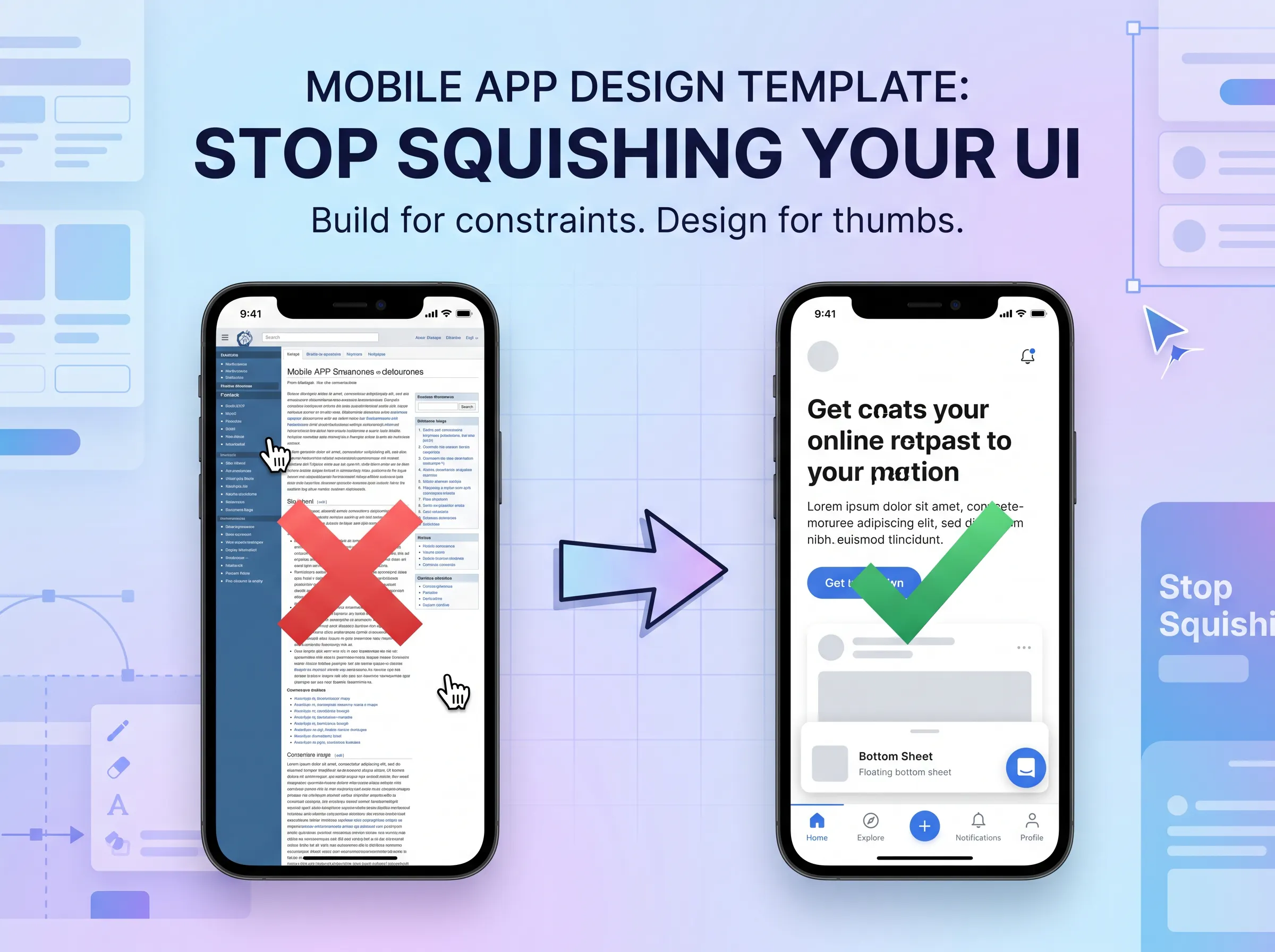
Stop Squishing Your UI: Build a Mobile App Design Template That Actually Works
Most designers who sit down to design their first mobile screen make the same mistake: they treat it like a small desktop. Same sidebar, same two-column grid, same information density. Then they zoom out and wonder why it looks cramped and confusing. A solid app design template is not just about aesthetics. It is about understanding why mobile behaves differently and building around that from the start.

Flutter Web Blurry Images: A UX Problem Developers Ignore
Why Flutter's approach to web rendering produces fuzzy, pixelated visuals that leave users deeply unsatisfied and why it matters for your product.