The Best AI Code Generator Won't Save You If You Use It Like This

Most developers are using AI to write code now. But there is a massive gap between engineers who strategically guide an AI Code Generator and "vibe coders" who just hit enter and hope for the best. One group ships features faster. The other ships bugs to production on a Friday afternoon.
This guide covers the actual workflow: how to set up your tools, write prompts that remove ambiguity, manage multiple agents without losing your mind, and stay the one making real engineering decisions.
Set Your Foundation Before You Write a Single Prompt
The biggest mistake people make is jumping straight to prompting before the AI knows anything about their project. Before you ask for a single line of code, do two things: index your codebase and set your rules.
Codebase context indexing means giving the model a real map of your project, not just pasting in one file and hoping it figures out the rest. Tools like Cursor and Warp do this automatically when you open a project. Claude Code does it through its project context system. The point is that the model needs to know what already exists before it can add to it sensibly.
Rules files are where most people skip a step. There are two kinds you need:
- Global rules for things that apply to every project: your preferred syntax style, testing philosophy, which libraries you reach for by default, common shell commands. In Warp, these live in Warp Drive. In Cursor, they go in your global rules settings.
- Project-specific rules live in a file at the repo root. Call it warp.md, .cursorrules, or CLAUDE.md depending on your tool. This is where you put your actual tech stack and versions, database schema conventions, API patterns, branch naming standards. If your project has distinct submodules with different requirements, give each one its own rules file.
Once these are in place, you stop typing "use TypeScript with Postgres" into every single prompt. Every interaction starts with context already loaded. That is not a small thing. Over a week of development, it saves a noticeable amount of time and cuts token usage significantly.
👉 Also read: Should You Learn to Code With AI or Skip Straight to Using It?
The Right Way to Choose and Use Your AI Tools
There are a lot of options right now: Cursor, Warp, Windsurf, Claude Code, GitHub Copilot, Replit, Bolt.new, v0. The tool matters less than the workflow, but model selection is actually something worth thinking about.
Different models have different strengths. GPT-4 and its successors tend to do well on planning and reasoning tasks. Claude Sonnet is strong for writing and iterating on actual implementation code. Mixing them intentionally (plan with one, implement with another) is a legitimate strategy, not overkill.
What you should not do is switch models randomly mid-conversation. When you switch, the conversation context does not transfer cleanly. More tokens get consumed re-establishing context, and more money gets spent. If you are going to switch, do it at a natural task boundary.
Keep conversations short and focused. The entire conversation history gets prepended as context on each new message. A conversation that has sprawled across ten topics is eating your token budget on every single prompt. Start a new conversation per task.
For developers wondering about a free AI code generator without needing to sign up, tools like Bolt.new and some tiers of Replit let you generate and run code in the browser with no account required. For Python work specifically, Replit's free tier handles a lot of what you need for small scripts and learning projects. But for serious project work, you want something with proper codebase context, which generally means creating an account.
👉 Also read: What Claude's Design Actually Tells Us About Building With AI
How to Write Prompts That Actually Work
This is where most AI coding workflows fall apart. The difference between a prompt that works and one that wastes twenty minutes is specificity.
Bad prompt: "Make the edit button toggle."
That could mean a dozen different things. The model guesses. You get something plausible-looking that does not match what you had in mind, and now you are debugging the AI's interpretation of your vague request instead of building the feature.
Good prompt: "Add a boolean field editable to the users table, expose it through the GET /api/users/:id endpoint, and conditionally render the <EditButton /> component based on that field."
Now the model knows exactly which layer of the stack to touch, what data to add, and what the UI condition is. There is almost no room for hallucination because you have removed the ambiguity. Natural language code generation works best when the natural language is precise.
A template worth stealing for most feature prompts:
Context: [What file/component/function this touches]
Task: [Exactly what needs to happen]
Constraints: [No new dependencies, preserve X, only edit Y files]
Deliverable: [The code + how to verify it works]
If anything is ambiguous, stop and give me two options with trade-offs.
That last line matters. Telling the model to surface trade-offs instead of guessing is how you avoid a hallucination buried three functions deep that you find at 11pm.
When referencing code, be explicit. Point to the exact file or highlight the specific function. Yes, the model already indexed your codebase, but pointing directly to the right place saves tokens and keeps the task narrower. In Warp you can right-click highlighted code and add it directly to the prompt. In Cursor you use @file. In Claude Code you paste the path. The mechanism varies, but the principle is the same.
For UI bugs that are hard to describe in words, screenshot them and upload the image. For third-party integrations, drop in the docs URL. Just know that the full page content usually gets sent to the model, which increases usage.
A note on how to write better prompts for AI code generation: prompt engineering for code is an actual skill. It is not just "typing more." It is knowing enough about architecture to specify what needs to change and why, which is exactly why software engineering knowledge still matters even when AI is writing the code.
Treat Every AI Task Like a Real Sprint Ticket
The iterative AI task workflow that actually holds up looks a lot like standard agile practice. Small tasks. Clear acceptance criteria. Review before merge.
Here is the planning approach that works well:
Step 1 — Plan in plain English. Describe what you want to build at a high level. Then ask the model to create a detailed implementation plan that breaks down what needs to be built, in what order, and how the pieces connect. Specify data flow, key functions or classes, potential challenges, integration points. End the prompt with: "Do not write any code yet."
Step 2 — Review the plan. Read it. Check that it matches your mental model. If something is off, say so before any code gets written. This is the cheapest point to catch a wrong assumption.
Step 3 — Implement with constraints. Say something like "implement exactly this plan with the following restrictions: only edit these files, no new dependencies, preserve the existing filter logic." Give the model your deliverable criteria and your test instructions.
Step 4 — Review the output like you are pair programming with a junior developer. Not blindly accepting it like a lot of early AI adopters do. Ask "why did you choose this pattern?" Question the error handling. Check what happens at the edges. Look at the actual code. Edit it yourself if something is off, then ask the AI to refactor around your changes if needed.
This is what distinguishes actual AI pair programming from vibe coding. You are not delegating. You are collaborating. The AI does not eat your lunch or judge your variable names, but it also does not catch its own architectural mistakes without your help.
For web development projects specifically, tools like v0 from Vercel are worth knowing about. If you need a working UI component fast and want a free AI code generator for web development you can use online without a complex setup, v0 generates React components from descriptions and shows you the output immediately. It is genuinely useful for prototyping, less so for production code in a complex codebase.
👉 Also read: The AI Productivity Myth: What the Data Actually Shows
Running Multiple Agents Without Losing Control
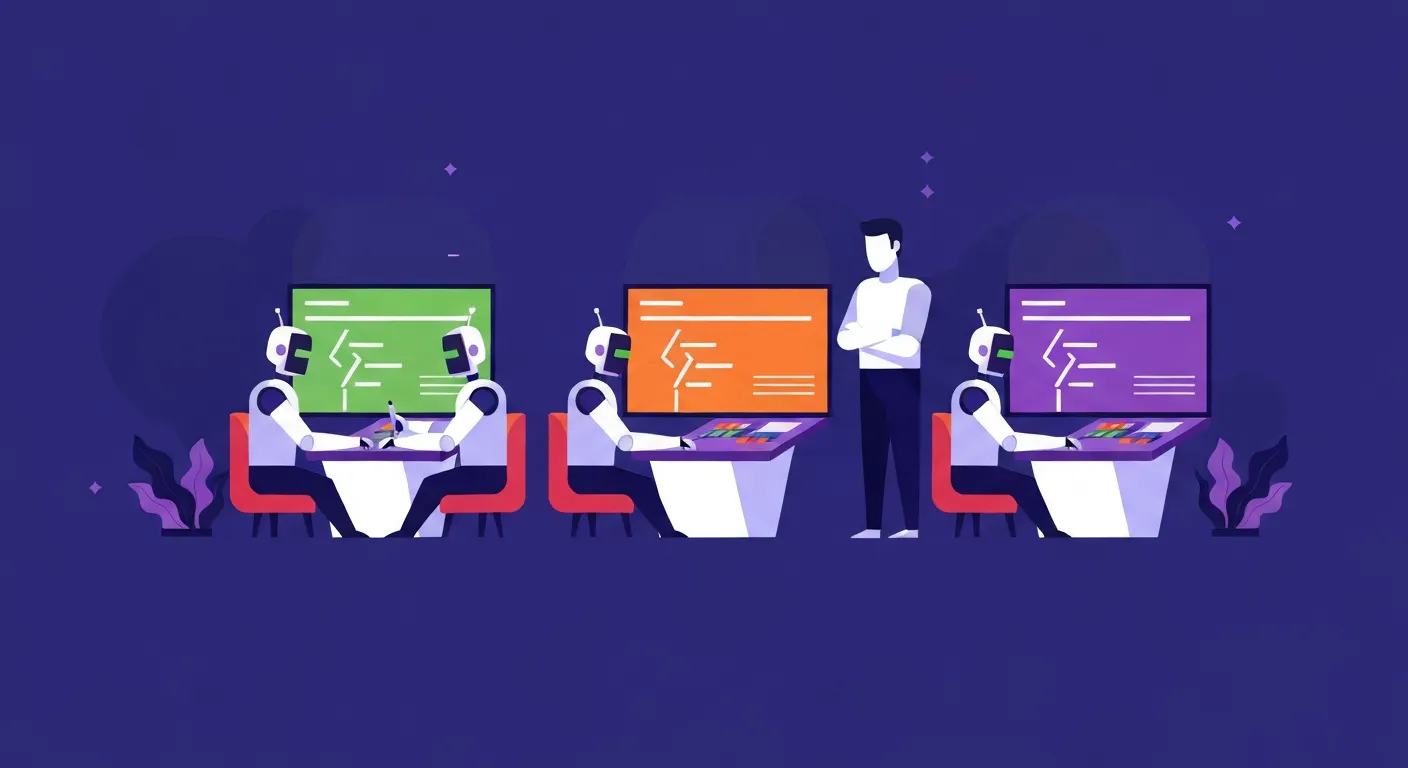
Once the single-agent workflow is solid, the multi-agent setup becomes interesting. The obvious use case is three agents working on independent tasks in parallel. The less obvious one is three agents working on the same task:
- Agent one writes the implementation
- Agent two reviews the code and provides feedback
- Agent three writes the tests
The value here is that each agent has a different context window and no bias toward the work it just did. A fresh context catching an error is the same reason code review works in real teams.
You could add a fourth agent that reads the code, feedback, and tests and then refactors. The multi-agent coding setup can get sophisticated fast. But here is the honest version: most of the time, two or three is the practical ceiling before it gets harder to manage than it is worth.
If you do run parallel agents on truly independent tasks, the clean way to do it is with git worktrees or separate checkouts. Each agent works in its own working tree, no file conflicts, and you move between sessions reviewing and approving changes as they complete. Set up permission checks so that writes to certain files or directories require your approval before the agent proceeds. Autonomous operation is fine for low-risk tasks; higher-stakes changes should require a human in the loop.
There is also a genuinely useful case for AI on unfamiliar codebases: onboarding. Ask the model to summarize component responsibilities, trace data flow through a feature, or explain an architectural decision. Some teams now use this as a structured part of bringing new engineers up to speed. It is a real time-saver, and GitHub Copilot's chat mode handles this reasonably well for large repositories.
For those asking about the best AI code generator for Python projects specifically: Claude Sonnet handles Python well, and Cursor with the Claude backend is the setup I would recommend for anyone doing serious Python work on an existing codebase. For beginners asking on Reddit what to start with, Replit is often the top recommendation because the environment handles setup for you.

When to Pull the Plug
This does not get talked about enough. When you have multiple agents running and things start going sideways, stop.
Do not keep prompting hoping the model corrects itself. Revert. Either roll back completely or go back to the last commit where things were working. If you did not commit at that checkpoint, that is a lesson for next time: commit more often when working with AI agents because you want those rollback points.
The goal of all of this is to amplify your engineering judgment, not replace it. AI will not make you a 10x developer overnight. What it will do, if you use it correctly, is cut the friction on specific pain points: writing tests, exploring unfamiliar code, handling boilerplate, debugging known error patterns. Those are real gains. But they require you to stay in the driver's seat.
Treating AI like a capable but unsupervised intern is the right mental model. You would not hand an intern a vague task and walk away. You would give them specific instructions, check their work, and redirect when they went off track. The same applies here. The intern analogy also captures the upside: brilliant potential, fast execution on well-defined tasks, and no ego about being corrected.
That is the difference. Not the tool you use. Not the model version. The difference is whether you are actually doing software engineering or just hoping the AI figures it out.
Frequently Asked Questions
AI code generator vs AI coding assistant compared: what is the difference?
An AI code generator typically refers to tools that produce code from a natural language description, often standalone (like Bolt.new or v0). An AI coding assistant is integrated into your editor and works alongside you as you build, with access to your full codebase context. In practice the line is blurring, but assistants like Cursor, Windsurf, and Warp are assistants; tools like Replit's "generate app" feature are closer to generators. For real project work, you want the assistant model.
Is there a free AI code generator without login or signup?
Yes. Bolt.new lets you generate and run full-stack apps in the browser with no account. v0 from Vercel has a generous free tier for UI component generation. For anything beyond quick experiments, though, you will want an account-based tool so you can persist your project rules and codebase context across sessions.
How do I use an AI code generator without vibe coding?
Write specific prompts that name exact files, functions, and constraints. Plan before you implement. Review every output before accepting it. Set up rules files so the model knows your stack. Keep conversations short and task-focused. Basically: stay in control of the decisions and use the AI for execution, not judgment.
What is the best AI code generator for beginners?
The Reddit consensus for beginners is Replit, and honestly it is a reasonable call. The environment handles runtime setup, the AI is integrated, and you can see results immediately without configuring anything locally. Once you are past the basics and working on real projects, Cursor or Windsurf with Claude Sonnet is where most developers end up.
How do I manage token costs when using AI for coding?
Three things help most: set explicit rules files so you stop re-explaining your stack in every prompt, reference specific files rather than letting the model search your whole codebase, and keep conversations short and task-specific. Picking the right model for each task (lighter models for simple snippets, heavier ones for planning) also makes a real difference over a week of usage.
Get CodeTips in your inbox
Free subscription for coding tutorials, best practices, and updates.
More from CodeTips

Should You Learn to Code With AI? The Honest Truth
Should you learn to code with AI doing the heavy lifting? One old story proves why skipping the basics is a trap, and what it costs you when AI gets it wrong.
How to Run AI Models Locally: Complete Setup Guide
Learn how to run AI models locally on your own hardware, skip cloud subscriptions, and build a full local AI coding setup with LM Studio, Ollama, and VS Code.
The AI Productivity Myth: Why Most People Get It Wrong
AI productivity tools promise efficiency, but relying on the same workflows as everyone else leads to generic output. Here's how to use AI to amplify what makes you rare.

Prompt Driven Development: What Is SPDD?
Learn about prompt driven development and structured prompt-driven development (SPDD), how it transforms software engineering, and why it matters for AI.

GitHub Copilot Pricing Changes: What You Need to Know
GitHub Copilot pricing changes are here, and they're not pretty. Learn how the shift to usage-based billing affects your plan, credits, and overall value.
Claude Design: What It Is and What You Can Build
Claude Design by Anthropic lets you create polished visuals, slides, and prototypes through conversation. Here's how it works and what it's actually good for.
The Claude Code Source Code Leak: What We Learned From Anthropic’s Security Fiasco
The Claude Code source code leak exposed Anthropic’s AI secrets, hidden features, and development missteps. Here’s what the leak reveals about Claude Code and AI security.